ICDL Level 3 Advanced: Is It Right for Your Career?
If you already use Word, Excel and PowerPoint regularly, you might be wondering whether ICDL Level 3 Advanced training is a worthwhile next step. The advanced route focuses on more complex workplace tasks that go beyond creating basic documents or simple spreadsheets.
Our courses provide online training and internal online tests, with a course certificate after successful completion. Students who would also like to sit an exam at an exam centre can arrange this separately with an external centre.
Who is advanced digital-skills training for?
This route is intended for learners with a working knowledge of common office software. It may suit office administrators, executive assistants, finance support staff, team leaders and anyone who wants to handle more sophisticated documents and reporting. You do not need to be a software developer, but you should feel reasonably comfortable navigating the applications.
Advanced Excel: work with information more effectively
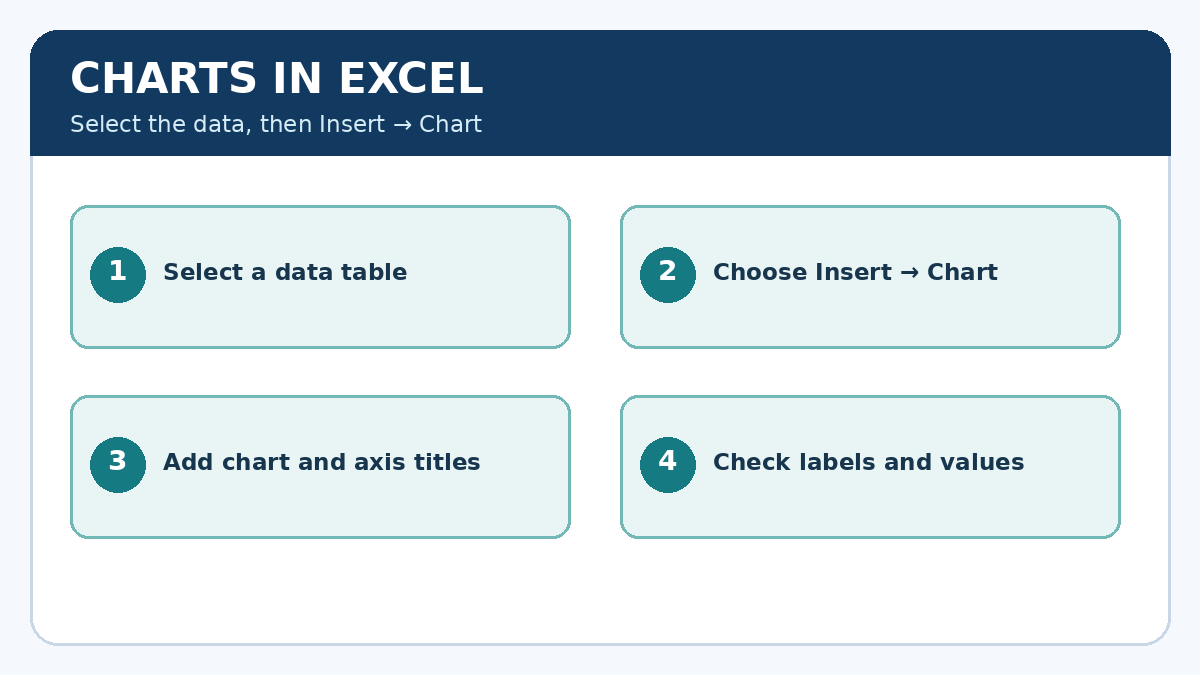
Spreadsheets become more useful when you can organise, check and analyse information. Advanced training can develop skills with more complex formulas, lookups, charts, PivotTables and reporting. For example, you might practise summarising a monthly expense list or comparing figures across departments.
Advanced Word: produce professional documents
Longer workplace documents benefit from consistent headings, styles, tables and templates. Mail merge can be useful when creating a set of personalised letters. These techniques can save time and help documents look professional and easy to maintain.
Advanced PowerPoint: communicate clearly
Well-designed presentations are not simply about adding effects. Advanced skills include creating consistent layouts, choosing readable visuals, organising complex material and preparing slides for a particular audience. This can be useful for training sessions, internal updates and client presentations.
Access and database fundamentals
Database skills help learners understand tables, queries, forms and reports. These concepts can make more sense of how organisations store and retrieve structured information. Check the product page to confirm the specific Access topics covered.
Should you complete Levels 1 and 2 first?
If you find everyday Excel formulas, Word formatting or file management difficult, beginning with Level 1 and 2 may be the more comfortable choice. If you already have those foundations, Level 3 Advanced is a more direct route. The Complete package combines both stages.
What does the course include?
Our Advanced course includes 12 months’ online access, tutor support, internal online tests and an Improving Computing & Digital Literacy course certificate after successful completion.
Ready to build more advanced workplace skills? View the Advanced course details or ask a question.