Essential Computer Skills for UK Office Jobs: A Beginner’s Guide
Applying for an office, reception or administration role? You may have seen job adverts asking for “good IT skills” or “confident Microsoft Office use”. These phrases can seem vague, so it helps to understand the practical computer skills for office jobs that employers may expect.
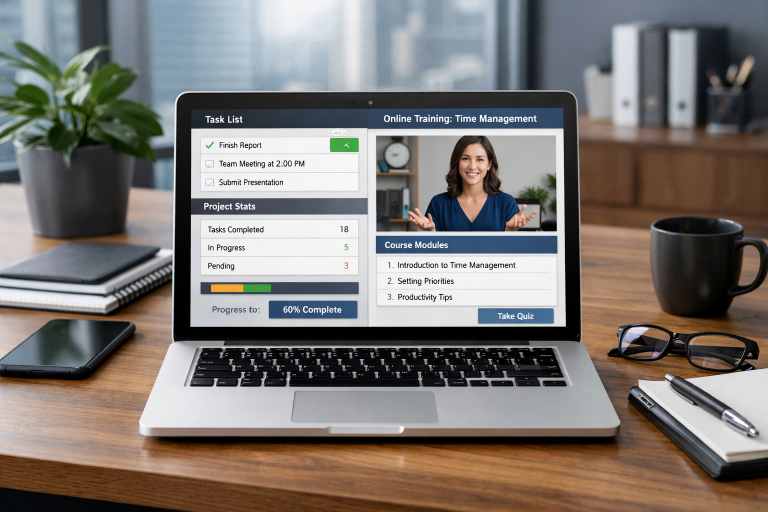
Our courses provide online training and internal online tests, with a course certificate after successful completion. Students who would also like to sit an exam at an exam centre can arrange this separately with an external centre.
1. Word processing and documents
Being able to create a clear letter, format headings, insert a table and save a document in a suitable format is useful in many roles. Practise making a meeting agenda, editing a report or preparing a professional CV in Word.
2. Excel spreadsheets
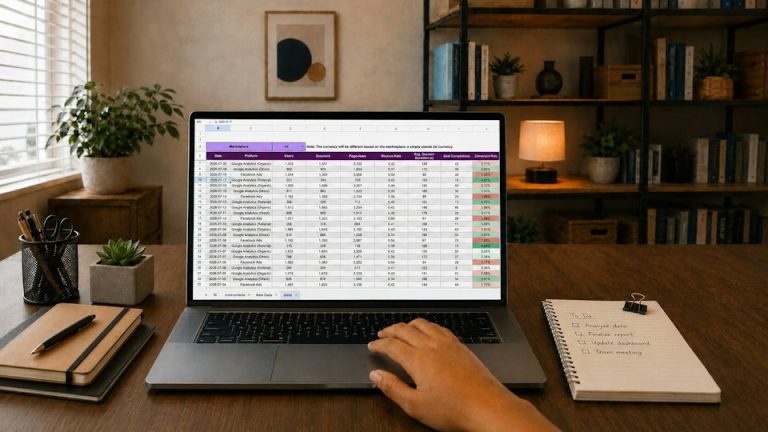
Some jobs only require entering and sorting information; others involve formulas, charts and reporting. Start with a simple list and learn how to keep data consistent. Then practise basic calculations, formatting and filtering before moving to more advanced functions.
3. Email and calendars
Professional email involves writing clear subject lines, choosing appropriate recipients, attaching the right document and checking messages carefully before sending. Calendar skills can include arranging meetings, responding to invitations and keeping track of appointments.
4. Files and shared documents
Organised folders and meaningful file names save time. Learn how to locate saved work, create sensible folder structures, avoid duplicate files and share the correct version with colleagues. Pay attention to access permissions when using online file-sharing systems.
5. Presentations and communication
You may need to prepare a short PowerPoint presentation or explain information using a simple chart. Good presentations prioritise clear points and readable slides, not complicated visual effects.
6. Digital safety
Workplaces rely on people to recognise suspicious links, use strong passwords and handle personal information appropriately. These habits matter whether you work for a small business, a charity or a large organisation.
How can beginners practise?
Create a mini office project: write a customer letter, record a few fictional transactions in a spreadsheet, build three presentation slides and organise the files into folders. Working through realistic tasks can reveal where you feel confident and where you need more guidance.
Where can you learn these skills online?
Our Level 1 and 2 digital-skills training covers computer essentials, email, Word, Excel, presentations, collaboration and security. Study at your own pace with 12 months’ access, tutor support and online assessments, then receive a provider course certificate after successful completion.
Already confident with the basics? Compare Level 3 Advanced training or ask our team which option fits your goals.